
Numa Desktop
A space to do focused work.
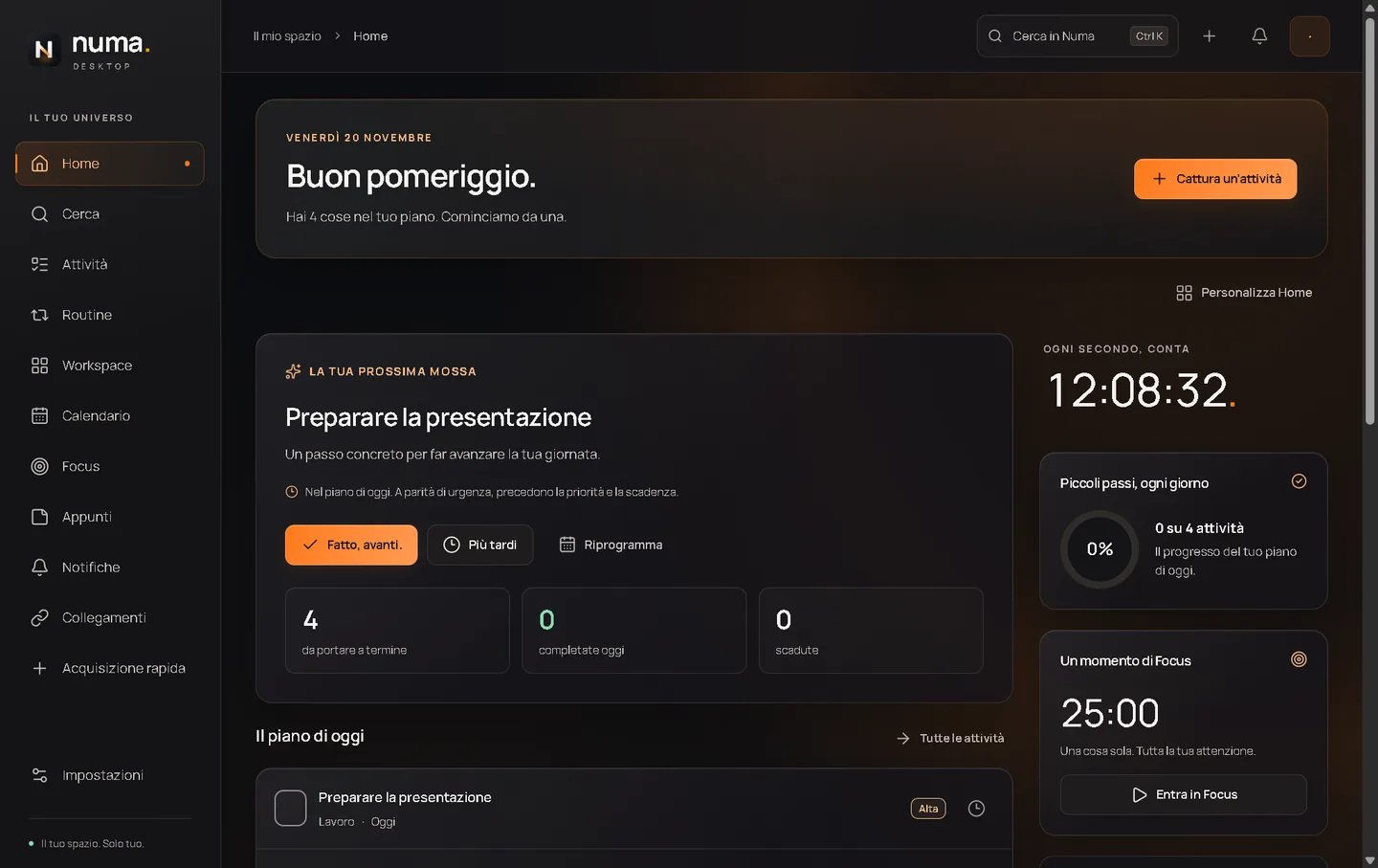
Tasks, routines, notes and focus sessions in one Windows workspace. The core app works offline and without an account.
In testing · Windows
What you can do
Tested on Windows 11 x64 with Microsoft Edge WebView2. Distribution requirements will be confirmed with the release.
Workspaces and tasks
Group tasks, links and folders in dedicated workspaces.
Focus and Quick Capture
Start a timer from a task and record a new item with Quick Capture.
Routines and notes
Step through routines, save notes and find them through search.
Local storage
Tasks, routines and notes stay available on your PC when you’re offline.
Search and backups on Desktop
In the test build, use Search to find tasks and apps. Use the backup option in Settings to export a copy of your local data. Keep that copy somewhere private.