
Available on Google Play
Numa Launcher
Your daily overview and routines, right on your Android home screen.
Explore Numa LauncherNuma Ecosystem
Plan tasks and routines from your Android home screen. Explore Numa’s upcoming Windows workspace.
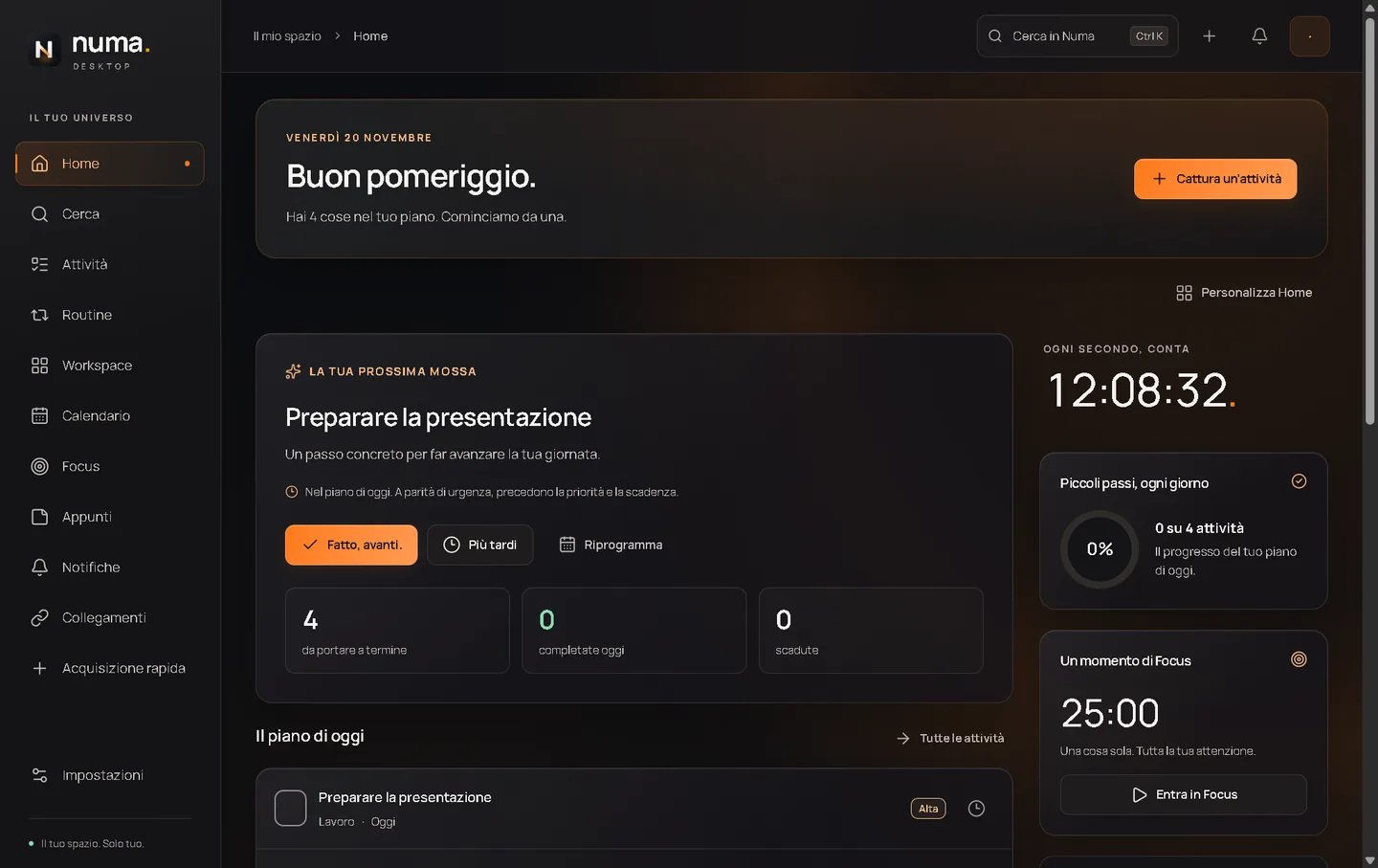
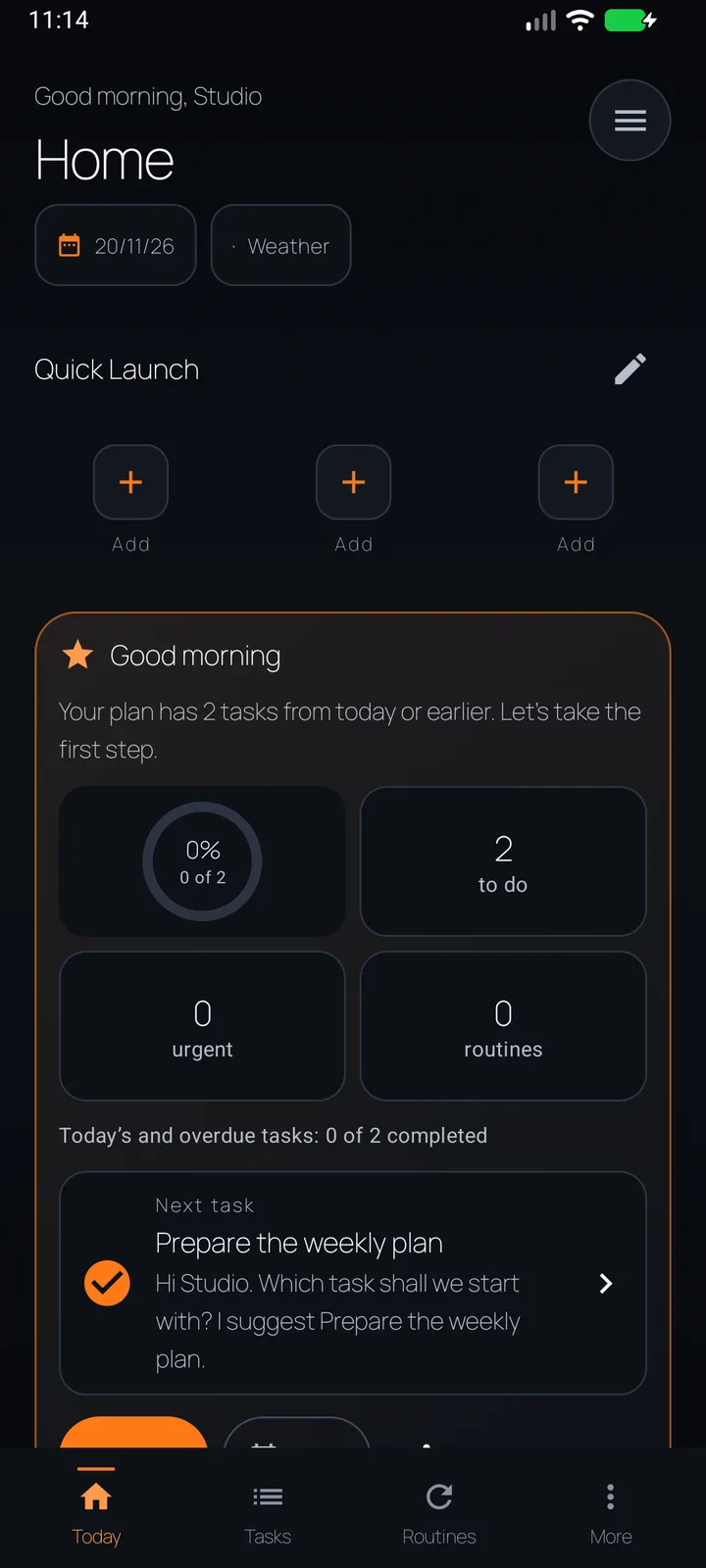
The Numa products
Available on Google Play
Your daily overview and routines, right on your Android home screen.
Explore Numa LauncherIn testing · Windows
Tasks, workspaces and focus sessions in a local Windows workspace.
Explore Numa DesktopBring tasks and routine steps together in a view that helps you decide what to do next.
Break habits into steps and use Launcher’s local reminders when you need them.
Launcher tasks and routines work without a connection or an account. Desktop follows the same principle.
Planned
The next phase is planned around an optional account and the ability to sync the data you choose across compatible devices.